🎛️ Sample · made-up content
Your family, your rules
The grown-up area is where you decide what Ily does, how much, and for whom. A few of the things you can control.
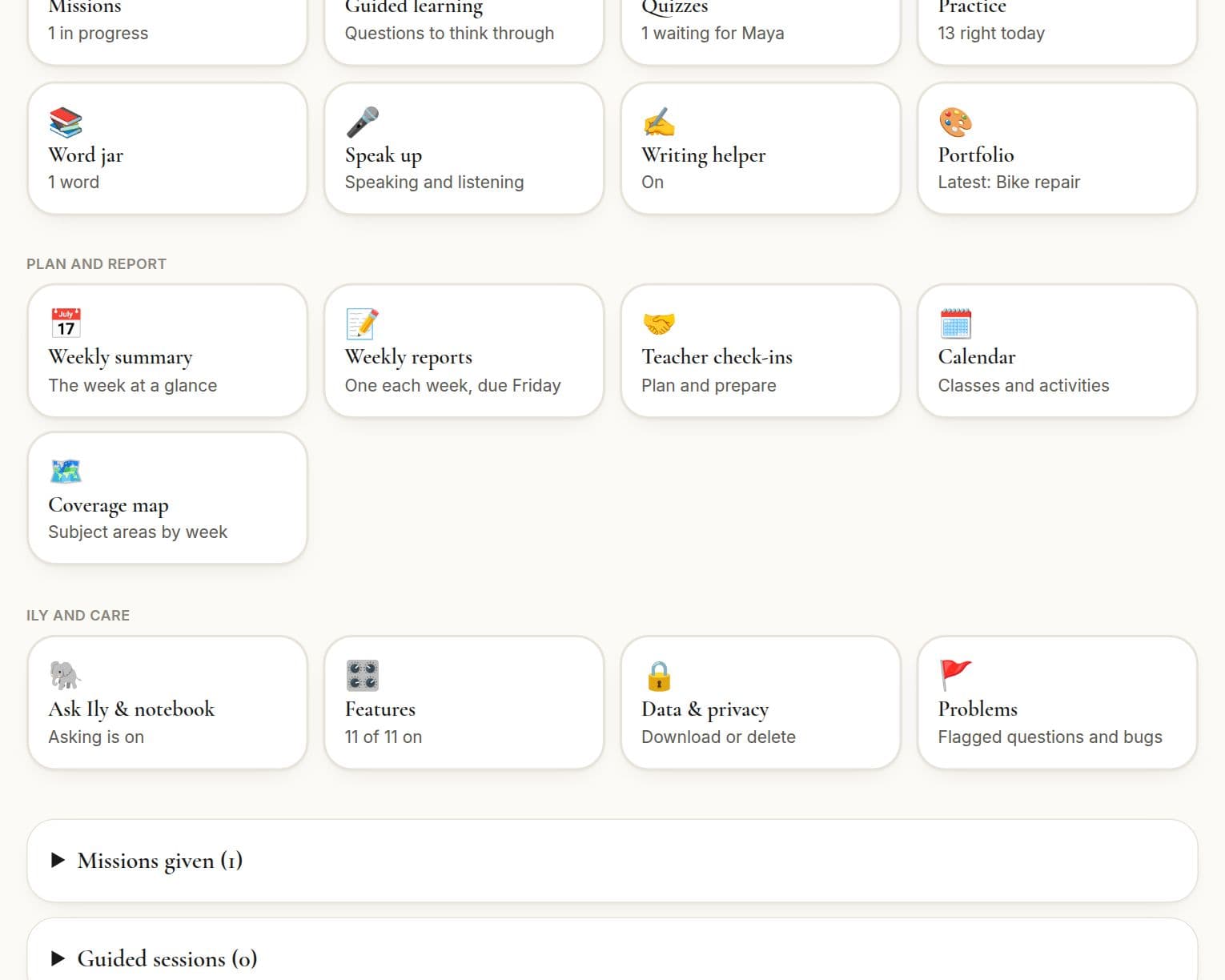
Features
Switch each part of ilyKIN on or off for each child, or start from a set: a simple planner, a practice buddy, a creative explorer or a homeschool all-in-one. Nothing is deleted when you switch something off.
Missions
Choose one to three subjects (or a learning path topic), a soft skill, the time and a short note, or tap Surprise me. Read the draft, then give it or discard it.
Guided lessons and quizzes
Pick a topic and a length, or turn a portfolio entry into a quiz. Add links to videos and books you have checked yourself.
What Ily helps with
Ask Ily and the writing helper are off until you switch them on, one child at a time, each with its own daily limit. You can read every question and answer.
Ily's notebook
Off by default. If you switch it on, Ily remembers what your child loves and finds tricky, and you can read, edit or delete every note. Tick “tailor this” on a request to use it.
To-dos, routines and the rewards shop
Daily and repeating to-dos your child ticks off, and a rewards shop you stock, with ideas to start from, where she spends the points she earns.
Calendar
Classes and appointments, with an import from your own calendar and an optional two-way sync with Google Calendar.
Reports and teacher check-ins
Read and sign off weekly reports, and prepare for meetings with a printable summary.
Other grown-ups
Invite another parent or guardian to share the load. You stay the owner.
Safety and privacy
A PIN guards the grown-up area, and missions and guided lessons are drafts you approve before your child sees them. Download everything about a child or delete it all, any time.
Want this for your family?
ilyKIN is free while we're in beta.
Join the beta